For jiu-jitsu students

Every round, recorded. Watch it back the moment class ends.

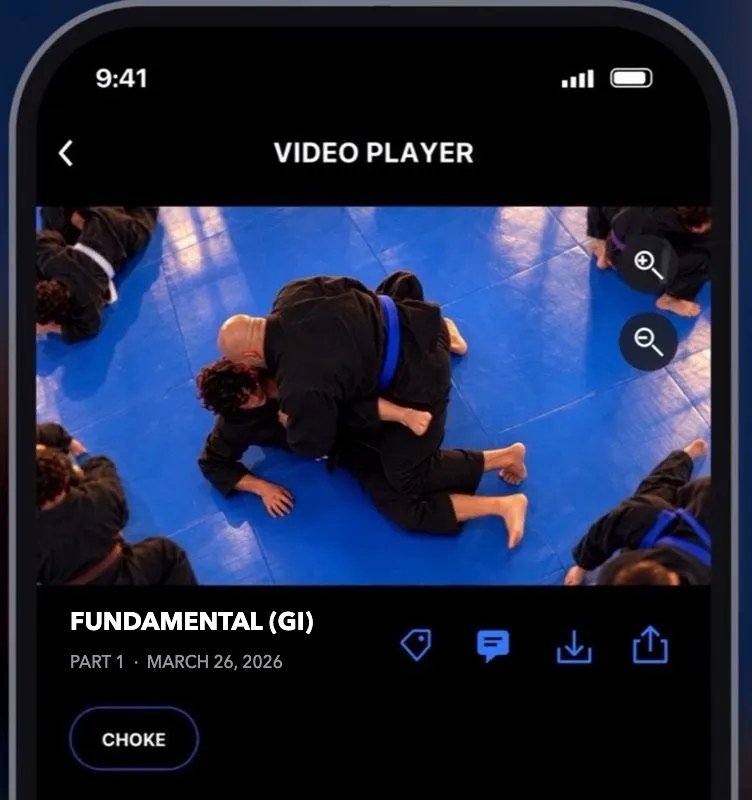
At Tecniqast academies, the wall cameras record the classes the academy picks, on its schedule. Open the app when class ends, pick the class and the mat camera, and see what actually happened in the scramble, the sweep, the tap. Know what to work on before the next class.

The Tecniqast app showing a recorded jiu-jitsu round

QR code to download Tecniqast on the App StoreScan to get the app

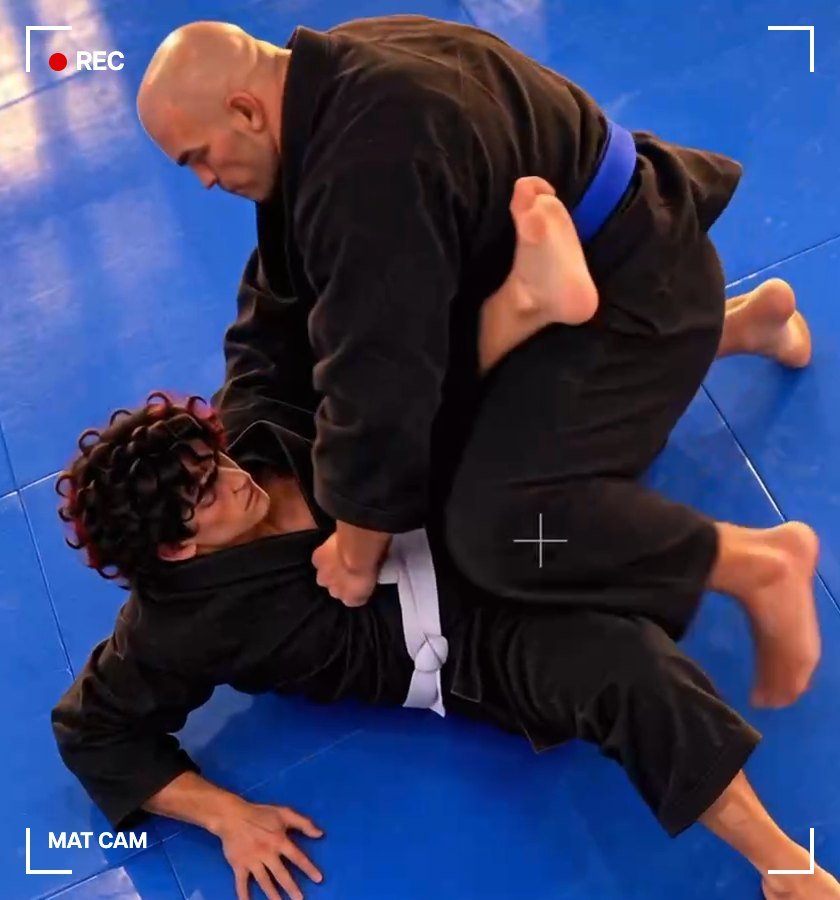
Overhead mat-camera view of two jiu-jitsu students rolling
What the mat camera sees. Every round, in the app when class ends.

For students

The round is in there. All of it.

You’re not sure what went wrong

You don’t have to know what you’re looking for. Find the tap you didn’t see coming or the move you missed, and ask your coach what happened. Seeing it is where the fix starts.

You know the position you’re working on

You know what you’re looking for. Find the position, zoom in, slow it down, save the clip, and tag it: mount, kimura, whatever you’re working on. Build a library of the rounds that matter before a tournament or a belt promotion, instead of guessing what went wrong, what you didn’t quite hit, or what you could clean up.

  1. Train as usual
  2. Open the app as soon as class ends
  3. Find the moment, save the clip, tag it

No tripods on the mat. Live at Athlas Training Team, Fort Lauderdale. More academies soon.

Download on the App Store

Students

Get it at your gym

Tell us where you train and who runs it. We’ll reach out to your academy, and you’ll hear when it adds Tecniqast.

"*" indicates required fields

This field is for validation purposes and should be left unchanged.

Want to put Tecniqast in front of your academy owner? Send them the owners page.

See it in action.

Tecniqast started when a coach offered to go through security-camera footage with founder Jeff Halevy after class. About Tecniqast

Privacy

Private by design.

Cameras record only the classes your academy picks, on its schedule, and nothing else. Video only, no audio. Classes stay in the app for a week; the clips you save are yours. Footage is for your own review, not for posting, and nobody at Tecniqast watches it unless your academy asks for help.

For academy owners

Runs on your cameras. Pays your academy every month.

Tecniqast runs on most IP security cameras, or our team installs high-resolution ones, and your academy pays nothing for either. Your students get their footage, and your academy earns a share of every subscription.

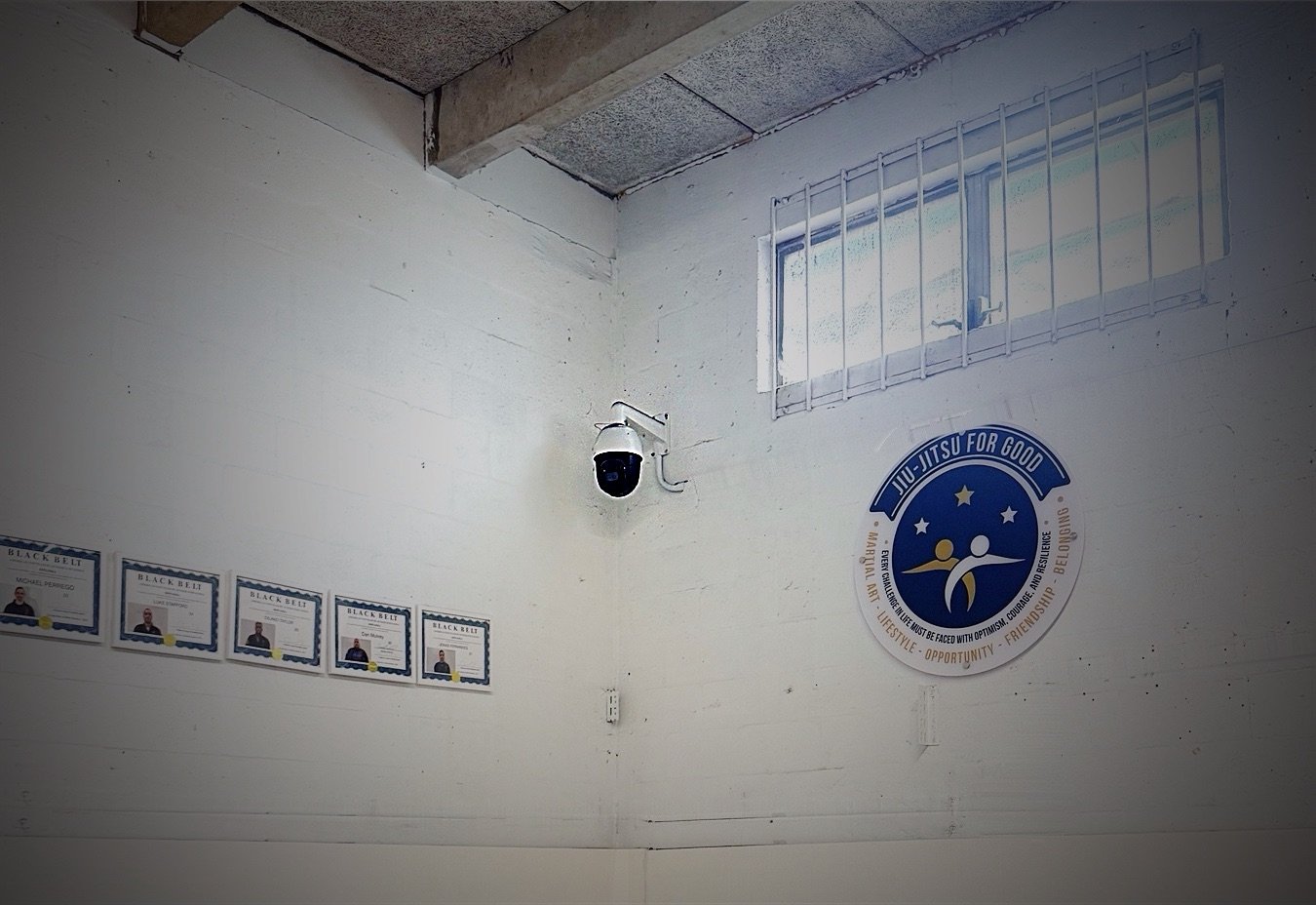
Tecniqast cameras record jiu-jitsu training rounds at Athlas Training Team in Fort Lauderdale.

Questions

Good to know.

Any subscribing member of your academy can open any class recorded there, including classes they weren’t in. Nobody outside your academy, and nobody at Tecniqast unless your academy asks for help with a recording. Posting footage isn’t allowed.

Download the app and sign in. A class is in the app the moment it ends. Pick the class and the mat camera, then scrub to your rounds.

Athlas Training Team in Fort Lauderdale. More are coming. Tell us where you train and you’ll be first to know.

Not yet. iPhone only for now.

Around $20 a month.

Recorded classes stay in the app for a week. The clips you save are yours for good: they go to your camera roll and into your library in the app, where you can tag them by position or submission.

No. Video only.

Yes. Save the clip and show it, or send it to them. Posting it publicly isn’t allowed, because other people are on the mat.

No. Footage is for your own review and your coach, because other people are on the mat.

The ones your academy picks, on its schedule. Your academy can tell you which.

Owners

Often no. Tecniqast runs on any camera that streams over RTSP, which covers most IP security cameras. Where yours won’t do, our team installs high-resolution cameras. Your academy pays nothing for either.

No. Recording runs only on the schedule you set, and nobody at Tecniqast views footage unless you ask us for help with a recording.